Forensics Linux distributions
Helix 3: A specialized Linux distribution for computer forensics.
This distribution comes as Live CD (bootable) but can be installed also on a harddisk to investigate image files.
It's amazing how professional a Linux distribution can be. Based on Ubuntu, it contains a lot of useful standard applications, but also Adepto and Autopsy, specialized to make images or to investigate content.
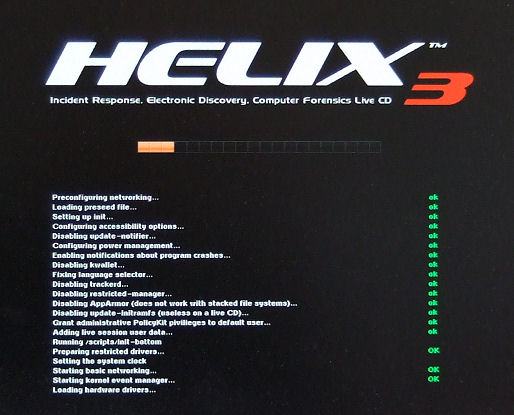
Booting takes a bit time, be patient during the phase of hardware driver load.:.
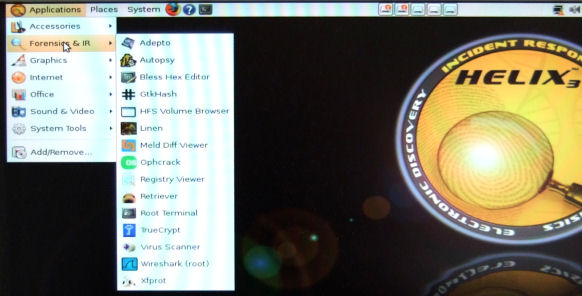
After it's loaded, you can select several applications:
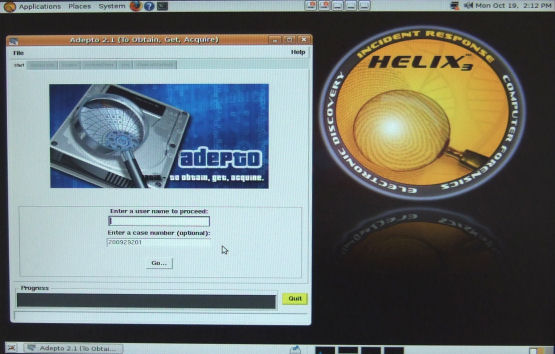
Adepto looks very handy:
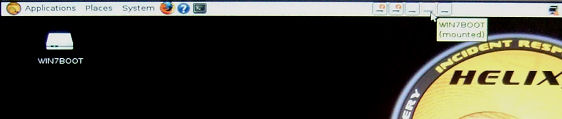
Mounting additional drives to save an image (to an USB drive) is also done in seconds ...
But also Autopsy is easy to use (it has a web based frontend).
You can download an unsupported, but fully functional copy of an earlier version at the site of e-fense.com here - with no costs, just fill out the form (it seems they decided temporarily to offer no previous version for free anymore - but an ISO image of an older one can still d/l'ed here or even more versions here or here).
e-fense.com sells Helix 3 Pro (an actualized version) with support as a subscription for about $250.
Kali: A Linux distribution specialized for (IT) security issues
You must take a look also at Kali (which is the successor of Backtrack).
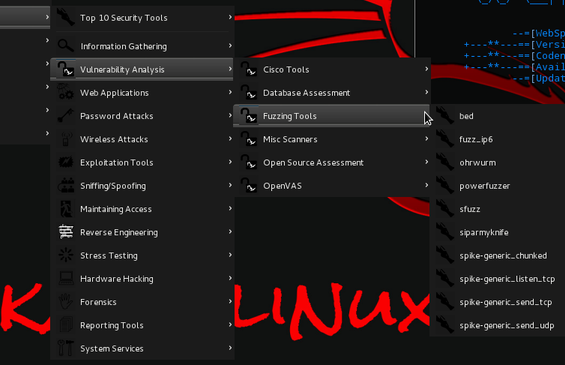
It contains a lot of security testing tools as well, e.g. also a password brute force cracker tool which has CUDA (Nvidia graphics card hardware accelaration) support.
You can download the ISO images of most current versions >here<.
The boot process from CD/DVD stops at a prompt. Just start the graphical GUI with 'startx'. If you want to install it on a harddisk, start the installation by using a script. A good starting point might be also this >site< .
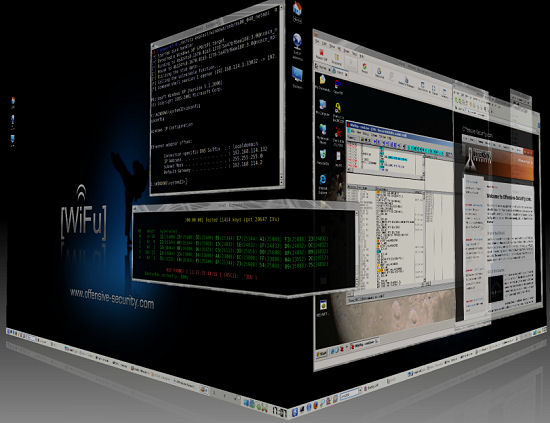
It is also possible to use a futuristic cube session manager :-)
Take a look at a nice made >video< from Justin Hutchens also (shows the differences between Kali and Backtrack).
First hints for customization and installation on an USB memory stick can be found here.
Some other interesting Computer Forensic Linux distributions
SMART Linux from ASR Data
DEFT Linux
CAINE Live CD (a new promising distribution)
A linux based forensic framework named "PTK forensics" which can be installed on some popular linux distributions as well (new: RAM DUMP Analysis)
|