|
|
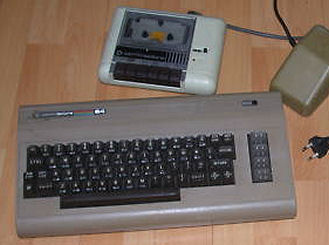
The C64 is a famous home computer, with a great commercial success and a real big amount of software.
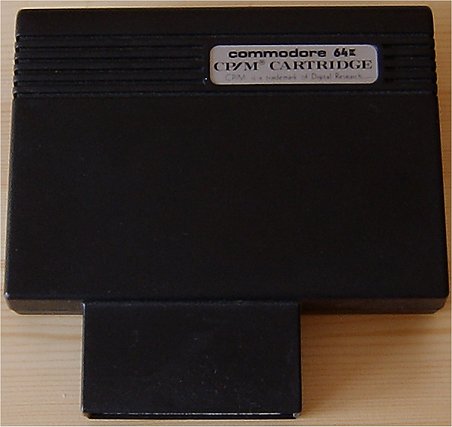
But very often people are astonished when somebody tell them about the CP/M abilities of the C64. This was realized with an optional Z80 cartridge.
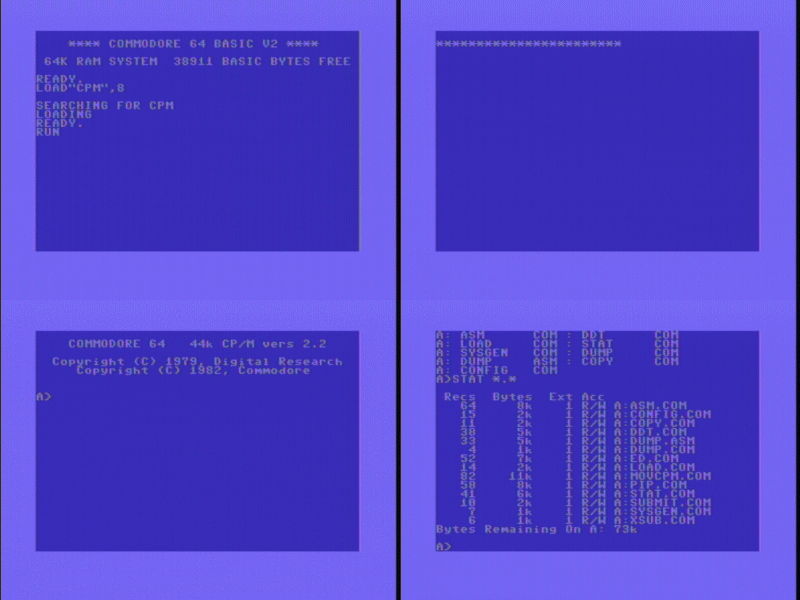
I have made a small animated gif movie to show how it looks:
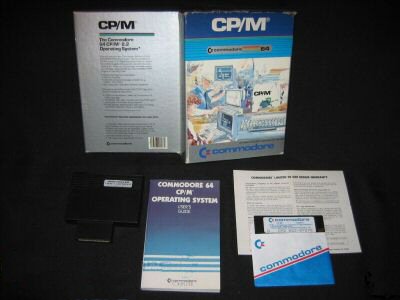
The original package in Europe differs from the american one:
The CP/M 2.2 boot disks are still available at http://www.zimmers.net/anonftp/pub/cbm/demodisks/c64/cpm/
I have mirrored one disk image locally here.
CP/M Z80 cartridge for the C64 component side / top
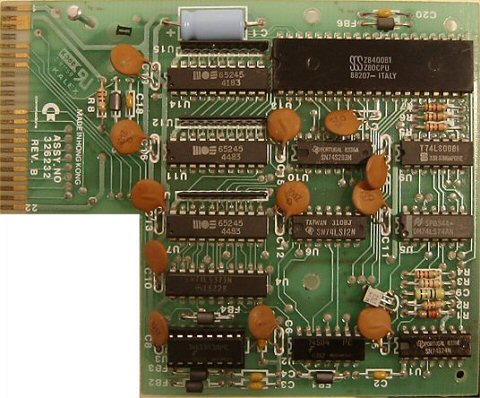
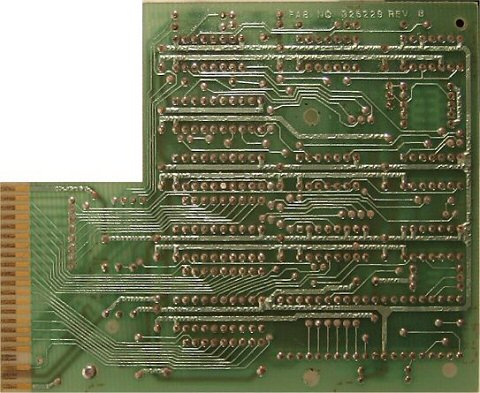
CP/M Z80 cartridge for the C64 solder side / bottom
CP/M Z80 cartridge closed / normal
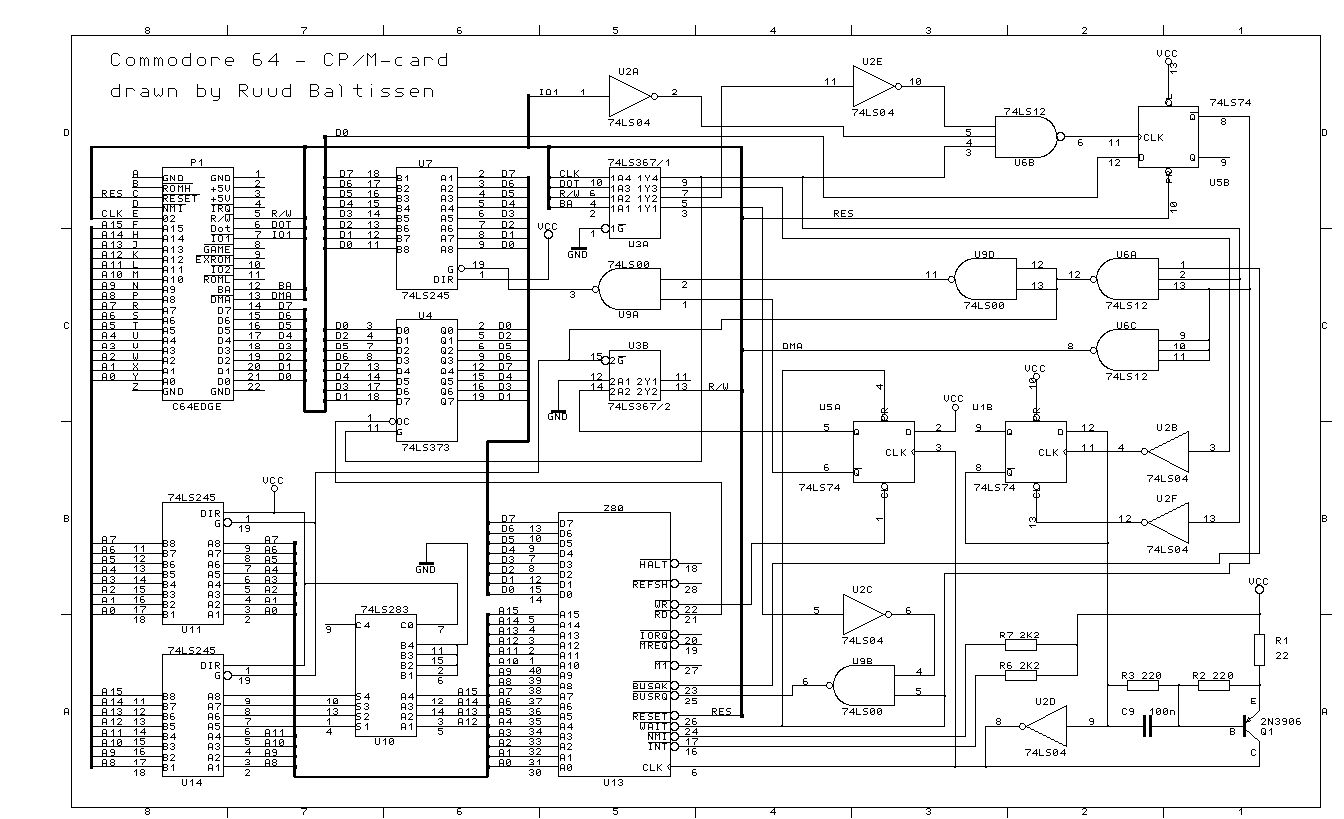
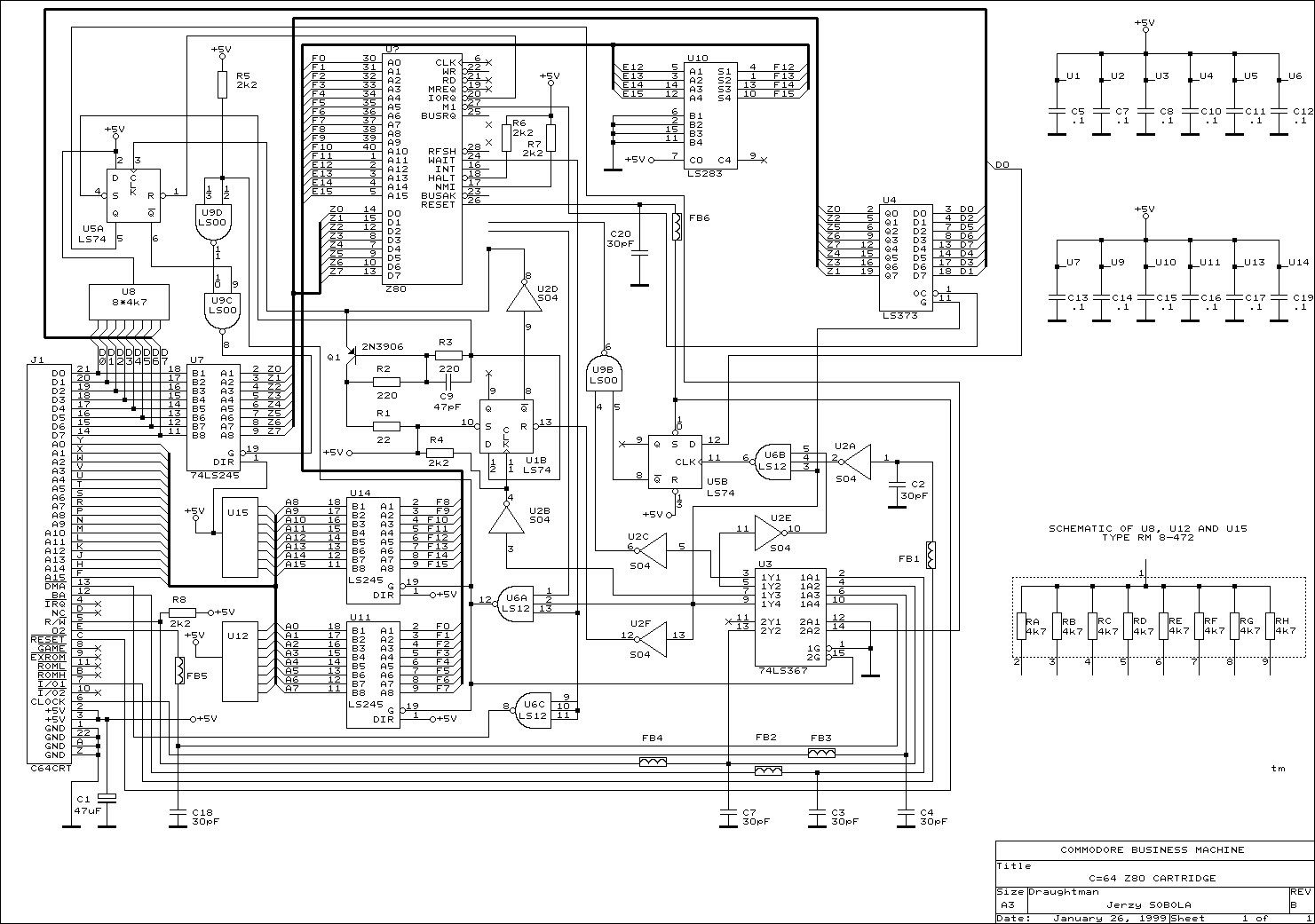
A schematic view of the CP/M cartridge here (great thanks to Ruud Baltissen) and here (Jerzy Sobola) - both are mirrored here locally.
I will develop an EAGLE pcb layout print file asap here.
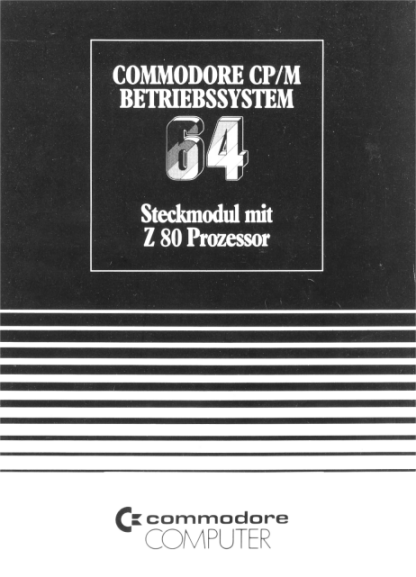
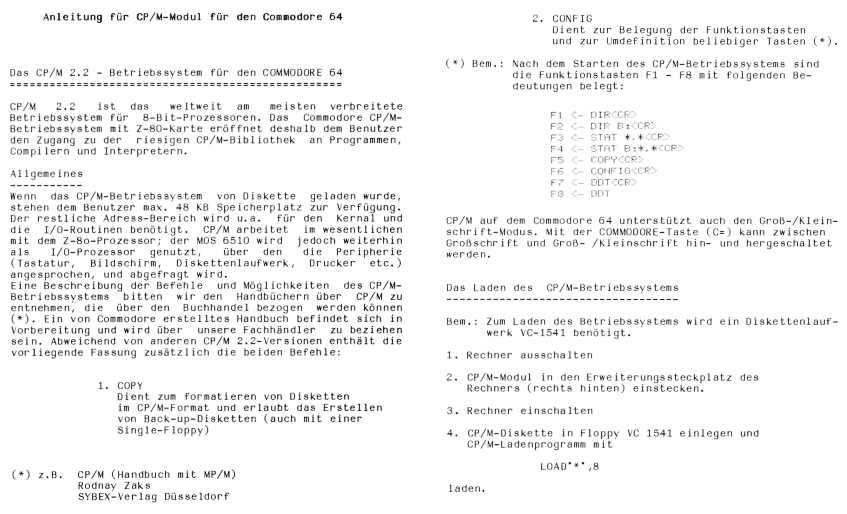
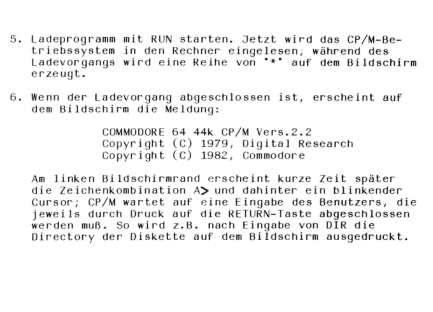
Original "manual" for the CP/M cartridge, in german ("Steckmodul mit Z80 Prozessor"), page 1, page 2 and 3, page 4.
Helpful to test CP/M 2.2 (on your C64) is an 80 chars per column software emulation: SOFT80.COM
Some information about the CP/M disk structure for the C64
The non-resident command "STAT" will return the following informations:
STAT DSK:
1088 128 Byte Record Capacity
136 Kilobyte Drive Capacity
64 32 Byte Directory Entries
128 Records/Extend
8 Records/Block
34 Sectors/Track
2 Reserved Tracks
This seems to be easy, because the whole disk has a linear track geometry. But this is only the logical view !
To know what disaster hits a programmer, take a look at the
physical structure, this could be found when looking into .D64 image
files also.
Track 1-17: 21 sectors
Track 18-24: 19 sectors
Track 25-30: 18 sectors
Track 31-35: 17 sectors
For a more detailed info, see here
And if that is not enough to worry about, remember, that the disk must be compatible with the CBM DOS also.
That means that the directory (and BAM) must be existent also.
Last but not least: The CP/M system occupies also 2 tracks.
Track 1-2: CP/M system, details below
Track 18: CBM DOS directory (not necessary needed for a booted CP/M system, could be an idea to extend the disk size)
The CP/M system is divided in 4 sections, BOOTLOADER, CCP, BDOS and BIOS.
The BOOTLOADER is located in the first sector (this is NOT true for the C64 CP/M 2.2, but for the C128).
The CCP (Console Command Processor) is located after the BOOTLOADER and is 16 sectors long.
After the CCP follows the BDOS (Basic Disk Operating System), this part is 28 sectors long.
You can find the BIOS in the last 6 sectors.
If you are interested in details, look for the online version of the CP/M® Operating System Manual, section 6.5, at this place.
Two drive CP/M C64 operation
The original CP/M 2.2 for the C64 does not support 2 drives.
But you can patch it with a small BASIC program:
1 REM BIOS MODIFICATION
2 REM FOR OPERATION OF
3 REM CP/M MODULE WITH
4 REM TWO DRIVES
5 REM
10 OPEN1,8,15:OPEN2,8,2,"#"
20 PRINT#1,"U1 2 0 1 1"
30 PRINT#1,"B-P 2 249"
40 PRINT#2,CHR$(152);CHR$(12);
50 PRINT#1,"U2 2 0 1 1"
60 CLOSE1:CLOSE2
70 OPEN1,8,15:OPEN2,8,2,"#"
80 PRINT#1,"U1 2 0 1 3"
90 PRINT#1,"B-P 2 152"
100 FOR I=1TO36
110 READ Q
120 PRINT#2,CHR$(Q);
130 NEXTI
140 PRINT#1,"U2 2 0 1 3"
150 CLOSE1:CLOSE2
160 DATA 240,15,162,9,236,159,11,240
170 DATA 24,142,159,11,142,185,11,16
180 DATA 13,162,8,236,159,11,240,9
190 DATA 142,159,11,142,185,11,32,151
200 DATA 11,169,0,96
Source code for C64 custom CP/M BIOS
The assembler source code for the Commodore 64 custom BIOS is also available here:
C64BOOT.ASM (boot loader, code for switching CPU)
C64BIOS.ASM (the custom BIOS itself)
C64COPY.ASM (a copy utility)
C64FMT.ASM (format utility)
C64CONFG.ASM (I/O configuration utility)
And these files are BOOT65 and BIOS65 commented:
BOOT65 (PDF)
BIOS65 (PDF)
BOOT65.ASM and BIOS65.ASM New!
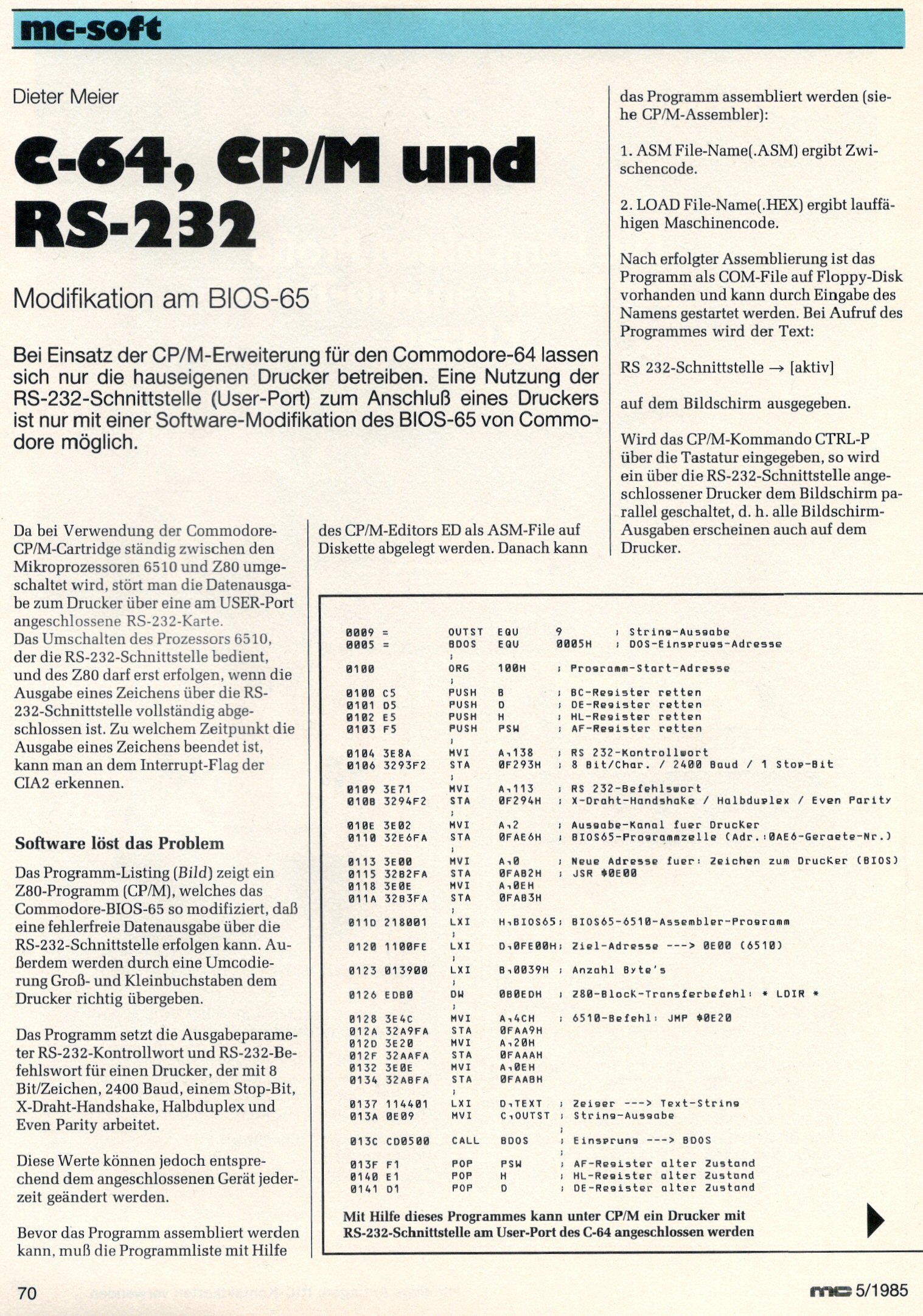
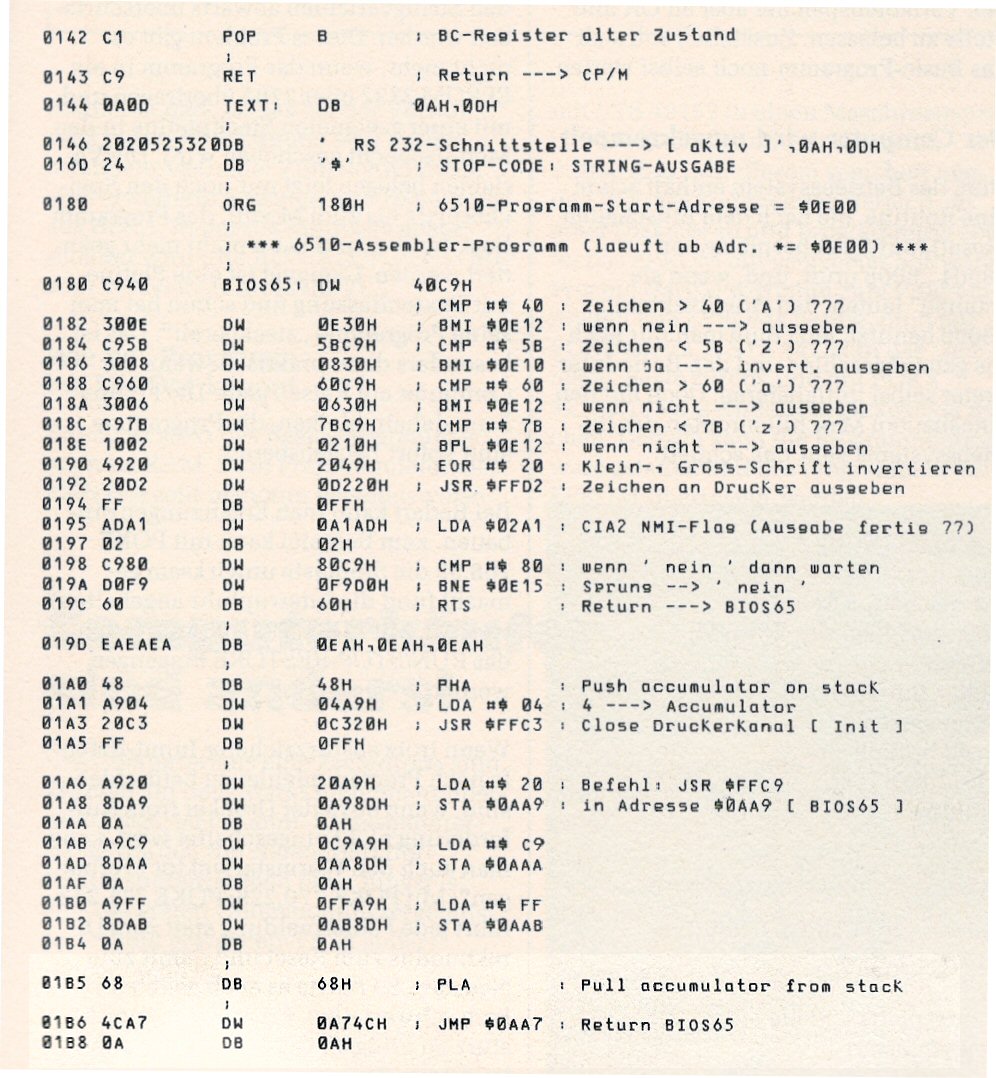
I've found also an interesting article in an old, no more existing german computer magazine named mc, about an additional program to modify the BIOS65 (at runtime) to make a safe operation of an RS232 connected to the userport possible: page1 and page2 . I hope the Franzis Verlag will tolerate this just for educational, non commercial purpose scanned article from May 1985.
One of my next projects is to modify the BIOS to support 40 instead of 35 sectors.
Some assembler code to format tracks above 35 and read/write sectors above track 35 can be downloaded from my site:
1541_format_track_36-41.txt
1541_format_track_36-41_assembler.txt
1541_read_sec_track_31-41.txt
1541_read_sec_track_31-41_assembler.txt
(these code sniplets are borrowed from the book "DAS GROSSE COMMODORE 64 BUCH" written from Martin Hecht in 1989)
I have to change also the DPB, which looks similar like that:
DPB FOR C64 CP/M 2.2 disk -- (136K)
256 byte sectors
17 sectors / tracks (internal sector numbering 0-16)
;sector 18 to n on the outer tracks are unused
34 tracks / disk (CBM DOS directory track subtracted)
;tracks track 3 to 17 (see track offset below why from 3)
;track 18 reserved for CBM DOS directory
;track 19 to 35
1024 byte allocation blocks
64 directory entrys
2 as track offset (track 1+2 used for CP/M 2.2 system)
New: How to add or extract files from a D64 image can be found at my D64 disk image handling page now.
|









 Commodore 64 - a CP/M capable computer, but ...